Open source · Terminal-native · PLAN / BUILD
CleoCode
Terminal-native coding agent
PLAN read-only, BUILD writes code. 6 models, 7 local tools, your server.
Screenshot description
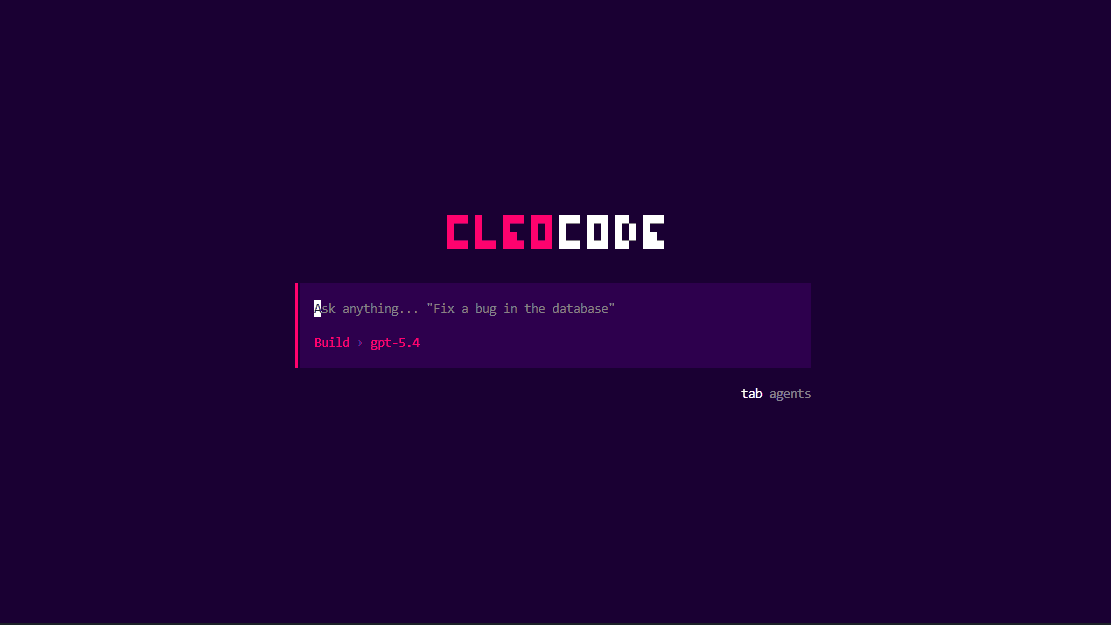
CleoCode terminal prompt asking to fix a bug in the database, with BUILD model gpt-5.4 selected and agent tab switcher visible.
CleoCode is an open source terminal agent. The CLI talks to a self-hosted Hono server over HTTP, streams responses, and persists sessions to Postgres. Workspace tools execute locally when the model emits tool calls.
What is CleoCode
Everything below is implemented and verified against the codebase. Planned work is labeled as such further down the page.
Terminal-native CLI
Interactive app built with Bun + OpenTUI + React. Routes for sessions, command menu, header, input bar, status bar, toasts, and dialogs.
/agents /models /sessions /theme /login /logout /upgrade /new /usage /exit
6 models, 2 providers
Claude Sonnet 4.6, Haiku 4.5, Opus 4.6 via Anthropic, plus GPT-5.4, Mini, and Nano via OpenAI. Default is GPT-5.4. Switch with /models.
claude-* · gpt-5.4* · default gpt-5.4
PLAN vs BUILD modes
PLAN is read-only analysis. BUILD unlocks file writes and shell commands. Tool gating is enforced client-side and by shared contracts.
switch via /agents
7 local workspace tools
readFile, listDirectory, glob, and grep run in both modes. writeFile, editFile, and bash are BUILD-only. The CLI executes them when the model emits tool calls.
read · list · glob · grep · write · edit · bash
Sessions + streaming
CLI talks to a self-hosted Hono server over HTTP and streams responses. Sessions persist to Postgres via Prisma. Browse and resume with /sessions.
POST /chat · GET / · GET /:id · /new
Auth + Polar credits
Clerk OAuth PKCE login from the terminal. Token lives in ~/.cleocode/auth.json. Empty credit balance returns 402. Top up with /upgrade, manage with /usage.
/login /logout /upgrade /usage
Planned next — not shipped yet
Cost estimation UI
Pinned session totals, per-message footers, in-app usage history, and spend warnings. Counting layer first, UI second.
Bring Your Own Key
Add and manage your own provider keys in the CLI, encrypted at rest, with per-provider cost estimates.
Sandbox + hardening
Bash sandbox with human approval, secret stripping, ownership fixes, rate limits, and dependency refreshes.
Facts
6
Models across Anthropic + OpenAI
7
Local workspace tools
2
Modes: PLAN read-only, BUILD write
Self-hosted by design
You run the server, you own the database. Workspace tools execute on your machine. Prompts go to Anthropic or OpenAI APIs, auth runs through Clerk, billing through Polar.
For teams with sensitive codebases: audit one repo, one server, one database. No managed middleman holding your history.
Why it matters
Sessions live in your Postgres, auth tokens in ~/.cleocode/auth.json with locked-down permissions. Nothing to export when you leave.
How it works
Configure API_URL, DATABASE_URL, and provider keys in .env. Run the Hono server, open the CLI, pick a model with /models and a mode with /agents.
Why CleoCode
| Topic | CleoCode | Managed assistants |
|---|---|---|
| Model choice | 6 models, Anthropic + OpenAI, /models picker | Single vendor model |
| Execution | Workspace tools run locally via CLI | Remote sandbox only |
| History | Your Postgres, resume with /sessions | Vendor-hosted history |
| Pricing | Polar credits, shared cost math | Per-seat subscription |
Coming soon
One-line install, no setup
Skip the clone and server setup. The hosted build runs straight from your terminal and connects to your account. We are packaging it now.
Still under development — this command does not work yet.
$ npx cleocode@latestUntil then, install from source with git clone below. Star the repo to get notified at launch.